typescript with Visual Studio code and html validation Assignment
Step 1 − Download and run the .msi installer for Node.
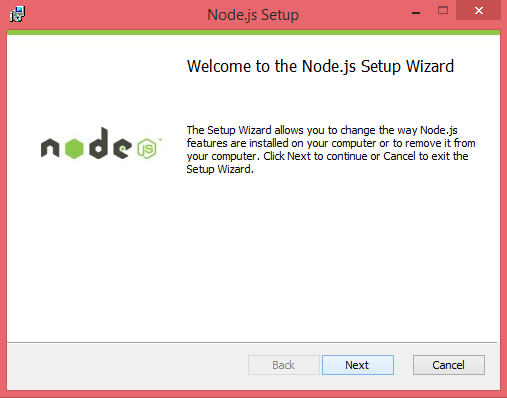
step 2: restart Visual studio code
step 3: open Terminal visual studio code
run command:
npm install -g typescript
Assignment :
· Apply the type annotation, class, interface, type.
· Don’t use any type.
· Use arrow functions.
· Have .ts files compile all using above command and then import into HTML
save the below file in .ts extension
class Greeting{greet(): void{//Annotaionvar name:string = "vijaya";var math:number = 97;var sum = math + 100;var str = '5';//example of type convaersion //Assertionvar str1: number = <number><any>str;console.log("this is class function example of type and class variable and Annotaion");console.log("name :" + name);console.log("math1 :"+math);console.log("sum :" + sum);console.log("type of str :" + typeof (str1) + "\n str1 " + str1);console.log("class ends here");}}interface GreetInterface{fname: string,lname: string,sayhi: () => string;}var obj1 = new Greeting();obj1.greet();//signature of objectvar obj2: GreetInterface = {fname: "vijaya",lname: "zaparde",sayhi:(): string => {return "join Emtec"}}console.log("Interface object");console.log(obj2.fname + " " + obj2.lname );
Step 3 − To compile the file use the following command on the terminal window.
tsc class.ts
Step 4 − The file is compiled to Test.js. To run the program written, type the following in the terminal.
node class.js
output:

HTML code add your file like this:
<script src="class.js"></script>
remember to see the output of console.log() we need to open the console each time.
Press F12 on your keyboard to view the message in the console view.

Comments
Post a Comment